 Church Chat
 vs Slack, Teams, GroupMe and group texts
A lot of churches have staff on Slack or Teams and everyone else on GroupMe or a group text. Church Chat can replace both, so here it is next to each.
For your staff
Slack and Teams charge for each person, which adds up once your volunteers join.
| Church Chat | Slack | Microsoft Teams | |
|---|---|---|---|
| A year for a church of 100 | Church Chat: $190, for everyone | Slack: $1,305 on Slack Pro | Microsoft Teams: $720 on Teams Essentials |
| How you pay | Church Chat: One price by attendance | Slack: Per person, every month | Microsoft Teams: Per person, every month |
| Volunteers | Church Chat: Included at no extra cost | Slack: Paid seats, or guest accounts with limits | Microsoft Teams: Paid licenses, or email guests |
| Sign in with just a phone number | Church Chat: Yes, with a texted code | Slack: Needs an email address | Microsoft Teams: Guests need an email address |
| Nonprofit pricing for churches | Church Chat: Not needed: every church pays by attendance | Slack: Its nonprofit program excludes churches | Microsoft Teams: Free staff seats, if Microsoft approves you |
| Chats with other churches | Church Chat: Included at every size | Slack: Slack Connect, on paid plans | Microsoft Teams: Shared channels need work accounts |
| Planning Center | Church Chat: Built in, for Planning Center groups and service plans | Slack: Through Zapier | Microsoft Teams: Through Zapier |
| Getting set up | Church Chat: Create your church and share a link | Slack: Create a workspace and invite by email | Microsoft Teams: Guests need Microsoft 365, Entra and SharePoint settings |
| Voice and video calls | Church Chat: Not included | Slack: Huddles, for groups on paid plans | Microsoft Teams: Full meetings, up to 300 people |
| Connecting other tools | Church Chat: API, bots and webhooks | Slack: Large app directory | Microsoft Teams: Built into Microsoft 365 |
A church of 100 with about 15 people on chat, each with a paid seat at list price on yearly billing. Slack guest accounts cost less but can only see some channels, and Microsoft may grant free seats for paid staff.
For your teams and small groups
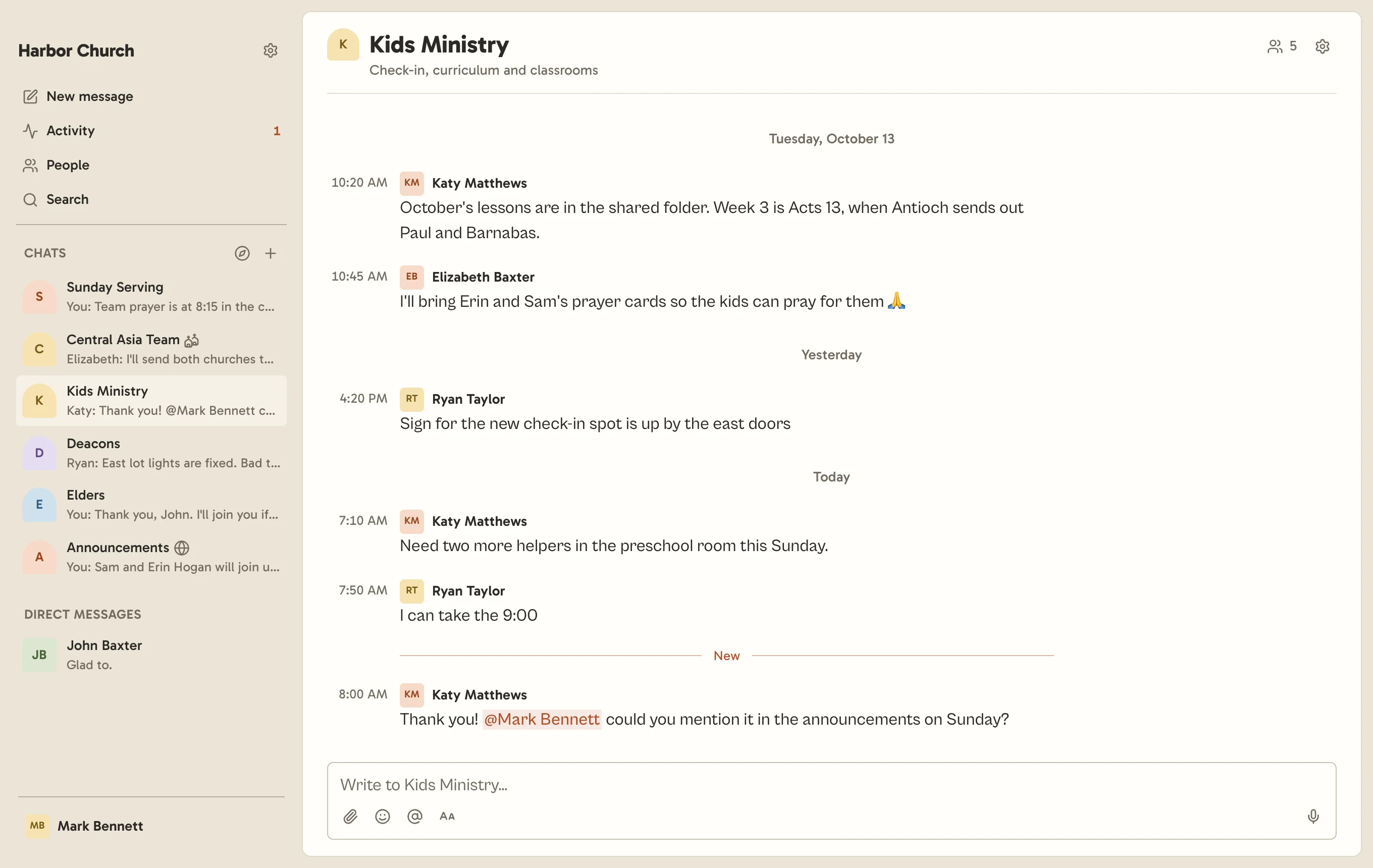
GroupMe, WhatsApp and group texts cost nothing, but they’re made for friends and family, so the worship team’s chat ends up between the cousins and the neighborhood watch. Church Chat keeps your church’s chats in an app of their own, and an admin can take someone out of all of them at once.
| Church Chat | GroupMe | Group texts | ||
|---|---|---|---|---|
| What it costs | Church Chat: From $9 a month for your whole church | GroupMe: Free | WhatsApp: Free | Group texts: Free |
| Church and personal chats | Church Chat: Kept apart, in an app just for church | GroupMe: Side by side in one inbox | WhatsApp: Side by side in one inbox | Group texts: Side by side in one inbox |
| Every chat in one place | Church Chat: All your church’s chats, owned by your church | GroupMe: Each group stands on its own | WhatsApp: A Community holds up to 100 groups | Group texts: Each thread stands on its own |
| When someone steps down | Church Chat: Remove them once and they leave every chat | GroupMe: Remove them from each group | WhatsApp: Community admins can remove them from every group | Group texts: Only on iPhone, in groups of four or more |
| When whoever started it leaves | Church Chat: Your church still runs it | GroupMe: The owner can hand it on first | WhatsApp: A random member can end up as admin | Group texts: Nobody runs a group text |
| Phone numbers | Church Chat: Only church admins can see them | GroupMe: Hidden from other members | WhatsApp: Shown to everyone in the group | Group texts: Everyone sees everyone’s number |
| Replies | Church Chat: A thread on any message | GroupMe: Topics inside a group, made by its leaders | WhatsApp: Replies quote a message in the main chat | Group texts: Inline replies, on iPhone |
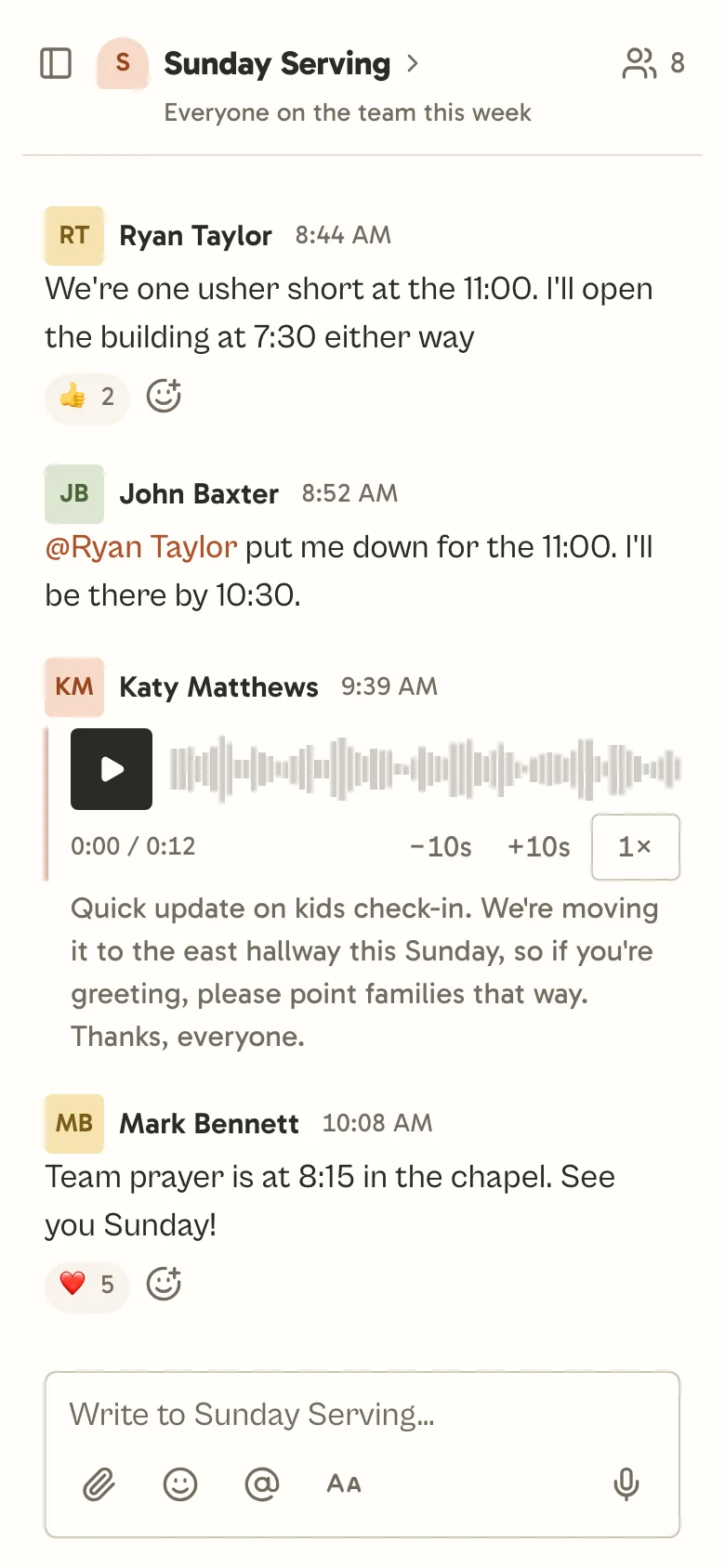
| Voice messages | Church Chat: Transcribed for everyone | GroupMe: Transcribed for everyone | WhatsApp: Transcribed on your phone, once you turn it on | Group texts: On iPhone, and gone after two minutes unless kept |
| Planning Center | Church Chat: Built in, for Planning Center groups and service plans | GroupMe: Not available | WhatsApp: Not available | Group texts: Not available |
| Apps | Church Chat: Web, iOS, Android, Mac and Windows | GroupMe: Phone, web, Mac and Windows | WhatsApp: Phone, web, Mac and Windows | Group texts: Phone, plus Mac or Google Messages on the web |
When another app is the better fit
Stick with a group text if
it’s a handful of people for a weekend, like the drivers for a youth trip. Nothing is quicker to start.
Choose GroupMe or WhatsApp if
your group is friends rather than a ministry, or there’s no budget at all. They’re free, and many people already have them.
Choose Slack if
your staff works in other business software and wants hundreds of ready-made connections, or quick group calls inside the chat.
Choose Microsoft Teams if
your staff already works in Microsoft 365 and Microsoft has approved you for its nonprofit grant. For a staff-only team, that can cost nothing.
Try it with your whole team.
30 days free, no card needed.
Details about other apps were checked in November 2026 and may have changed. Sources: Slack pricing, Slack for Nonprofits eligibility, Microsoft Teams Essentials, Microsoft nonprofit eligibility, Guest access in Microsoft Teams, GroupMe cost, GroupMe privacy, GroupMe Topics, GroupMe group owners, GroupMe desktop app, WhatsApp Communities, WhatsApp group admins, WhatsApp voice transcripts, Group texts on iPhone, Audio messages on iPhone.